ThinPrint Client 13 Now Also Available for Windows ARM64
Native ARM64 support for reliable printing on modern Windows PCs: The new ThinPrint Client 13 for Windows ARM64 is available for download now, including a version for automated software deployment.
Windows on ARM is becoming increasingly important in the enterprise environment. Modern Windows devices with ARM64 processors, such as Qualcomm Snapdragon, offer high energy efficiency, long battery life, and powerful features for the modern workplace. However, as these devices become more widespread, the compatibility requirements for existing IT infrastructures are growing as well. Printing in particular can become a challenge due to the different processor architecture.
ThinPrint addresses this development with a new, native ARM64 version of ThinPrint Client13 for Windows.
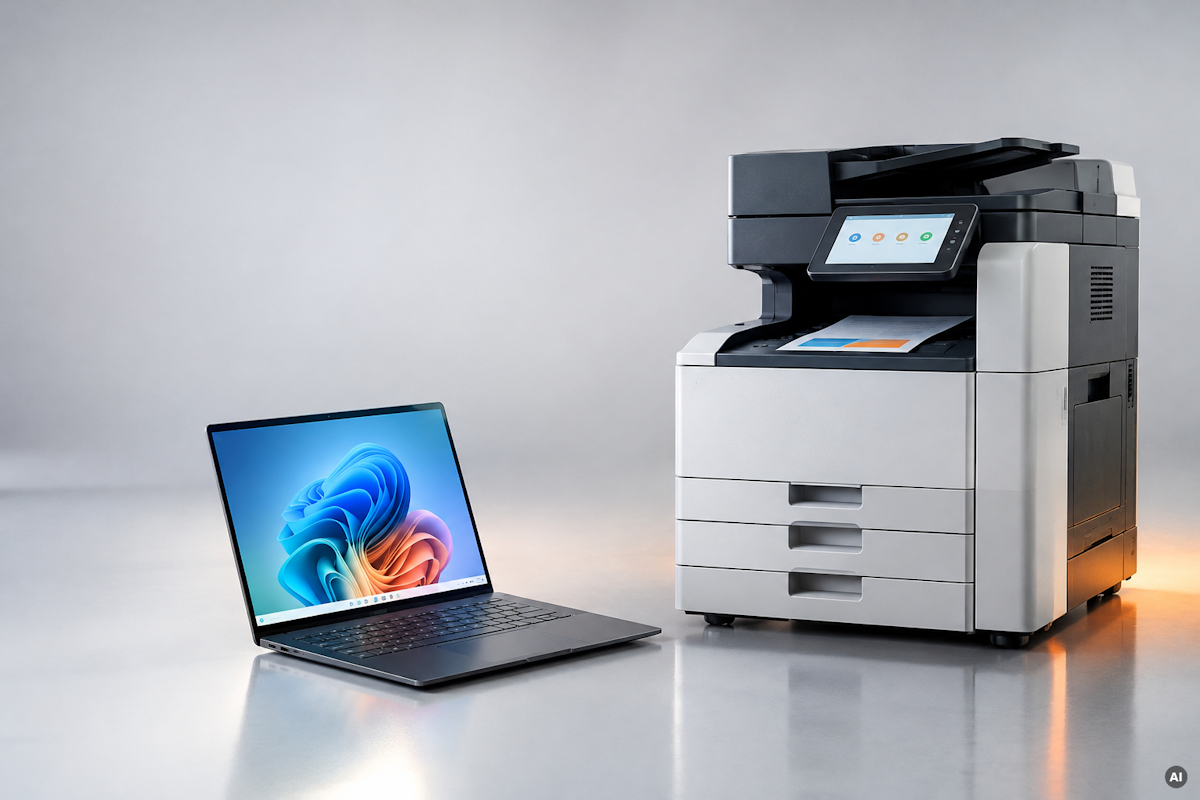
Windows on ARM: Why Printing Can Become a Challenge
Many enterprise applications and printing solutions were originally developed for the classic x64 architecture. Windows on ARM can run many of these applications using emulation. For printer drivers, however, this doesn't work without further ado: Conventional x64 drivers are not automatically compatible withARM64.
This creates new challenges for IT departments. Existing printers are expected to remain in use while new ARM-based endpoints need to be integrated into the existing IT landscape. At the same time, users expect printing to work reliably regardless of the hardware in use.
Even though x64 applications can be emulated on ARM devices, a native solution is the better choice in the long term. It avoids the additional overhead of emulation and reduces potential compatibility issues.
ThinPrint Client 13 for ARM64: Native Support Instead of Emulation
With the new ThinPrint Client 13 for Windows ARM64, ThinPrint extends its support for modern Windows endpoints. The client software has been built specifically for the ARM64 architecture and can therefore run natively on corresponding Windows PCs.
This offers companies and IT administrators several advantages:
- Native performance: The client runs directly on ARM64 processors without relying on x64 emulation.
- Efficient resource usage: Native execution avoids emulation overhead and supports the energy efficiency of modern ARM devices.
- Higher compatibility: Potential issues caused by emulating the client software are avoided.
- Planning security: Companies can include ARM-based Windows endpoints in their ThinPrint strategy.
- Simpler IT support: An officially supported ARM64 version makes standardization and troubleshooting easier.
Also Available for Automated Software Deployment
In larger IT environments in particular, it is essential not to have to install software on each endpoint individually. That is why ThinPrint Client 13 for Windows ARM64 is also available as an installation package for Automated Deployment. IT administrators can integrate the client into their existing automated software deployment processes and include ARM64 devices efficiently in standardized rollouts. This is especially interesting for companies that are gradually introducing ARM-based Windows PCs or already operate a mixed device fleet of x64 and ARM64 systems.
Future-Proof Printing, Regardless of Processor Architecture
With Copilot+ PCs, new Snapdragon processors, and growing support from device manufacturers, Windows on ARM is developing into an important platform for professional endpoints. ThinPrint takes this development into account and extends its printing solution with native support for the ARM64 architecture. This gives companies more flexibility when choosing their Windows hardware and allows them to prepare their print infrastructure for future requirements.
Frequently Asked Questions
You can find the new client and the version for Automated Deployment in the ThinPrint Download Center (Get Started > Clients > Windows).
Yes. In addition to the regular version, an installation package for Automated Deployment is available. This allows you to integrate the client into centrally managed software distribution and rollout processes.
That depends on the respective print environment and the available printer drivers. x64 printer drivers are generally not compatible with Windows on ARM. The native ThinPrint Client ensures that the client component itself runs on ARM64. This is independent of the printer driver question and does not replace checking the drivers.
ARM64 and x64 use different processor architectures. Although Windows can emulate many x64 applications, a native ARM64 version is better matched to the hardware. The new ThinPrint Client 13 for ARM64 can run without x64 emulation, thereby avoiding potential compatibility and performance issues.
Windows on ARM64 is a version of Windows for computers with ARM-based 64-bit processors, such as Qualcomm Snapdragon. These processors are characterized in particular by their energy efficiency and long battery life, and they are increasingly used in modern business laptops and Copilot+ PCs.
Available now: ThinPrint Client 13 for Windows ARM64
ThinPrint Client 13 for Windows ARM64 and the version for Automated Deployment are available in the ThinPrint Download Center (Clients > Windows).
More posts