Windows Ready Print and ThinPrint – What IT Decision-Makers Need to Know
Microsoft’s New Printing Strategy for Windows
Microsoft is fundamentally modernizing the Windows print process. Two concepts play a significant role, Windows Ready Print and Windows Protected Print. The two are often used interchangeably in discussions – yet they describe different things with different implications. This article explains what each concept means and what it means for your ThinPrint environment.
Windows Ready Print: The New Standard for Modern Printing
Windows Ready Print is Microsoft's approach to simplifying and standardizing the Windows print process. On the technical side, Windows Ready Print is based on the Internet Printing Protocol (IPP) and a class driver built into Windows. Printers that support this standard can be set up and used without installing manufacturer-specific driver packages.
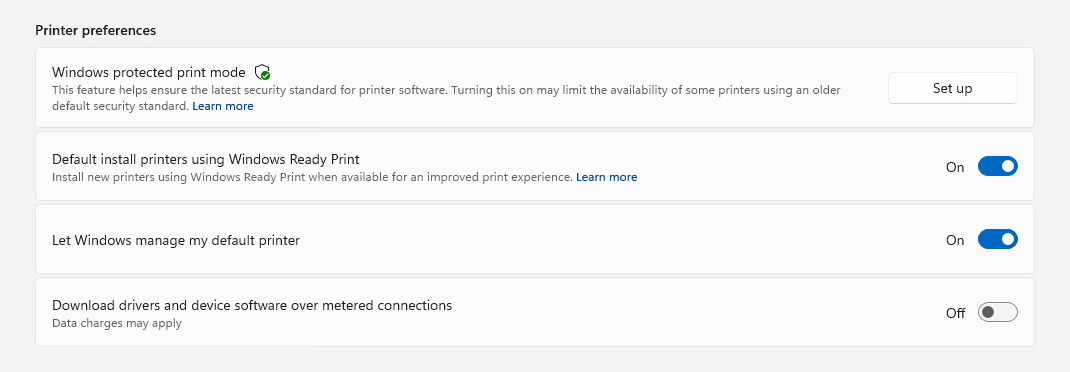
From July 2026, Windows Ready Print will be the default for new Windows installations. In Windows Settings, it appears as a toggle at Bluetooth & Devices > Printers & Scanners: "Install printers using Windows Ready Print by default". When this toggle is enabled, Windows will prefer the IPP inbox driver for new printer installations – provided the printer supports it.
One important note is that if a printer cannot be addressed via IPP, Windows will continue to fall back on manufacturer-specific drivers – the OEM fallback stays in place. For IT teams, this means existing print environments will keep running, even if not all devices meet the new standard.
Windows Ready Print can be managed flexibly, via Windows Settings as well as Group Policy, which makes deployment in enterprise environments straightforward.
In summary:
- Standardized printing based on IPP and an integrated class driver
- Driverless installation for compatible devices
- Default for new installations from July 2026
- OEM drivers are available as a fallback
- Manageable via Settings and Group Policy
Windows Protected Print: Greater Security, Stricter Requirements
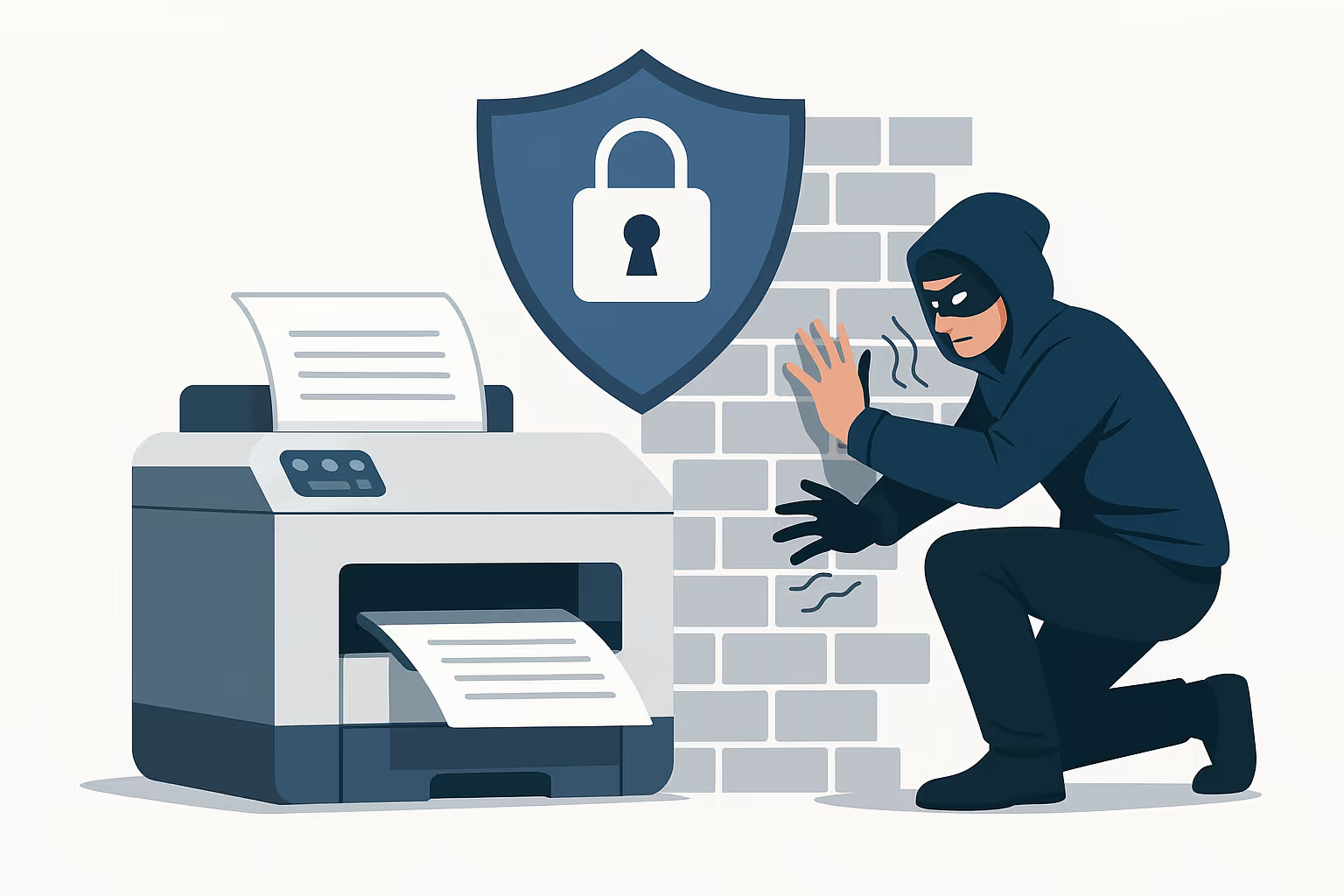
Windows Protected Print Mode is a security mode that builds on Windows Ready Print and significantly raises the bar. It addresses a concrete problem: the classic Windows print spooler has repeatedly been the target of serious security vulnerabilities – manufacturer-specific third-party drivers are among the most persistent attack surfaces in Windows. Well-known incidents such as PrintNightmare have shown just how serious this risk is. Windows Protected Print Mode closes that door by restricting the print process exclusively to the modern, IPP-based path.
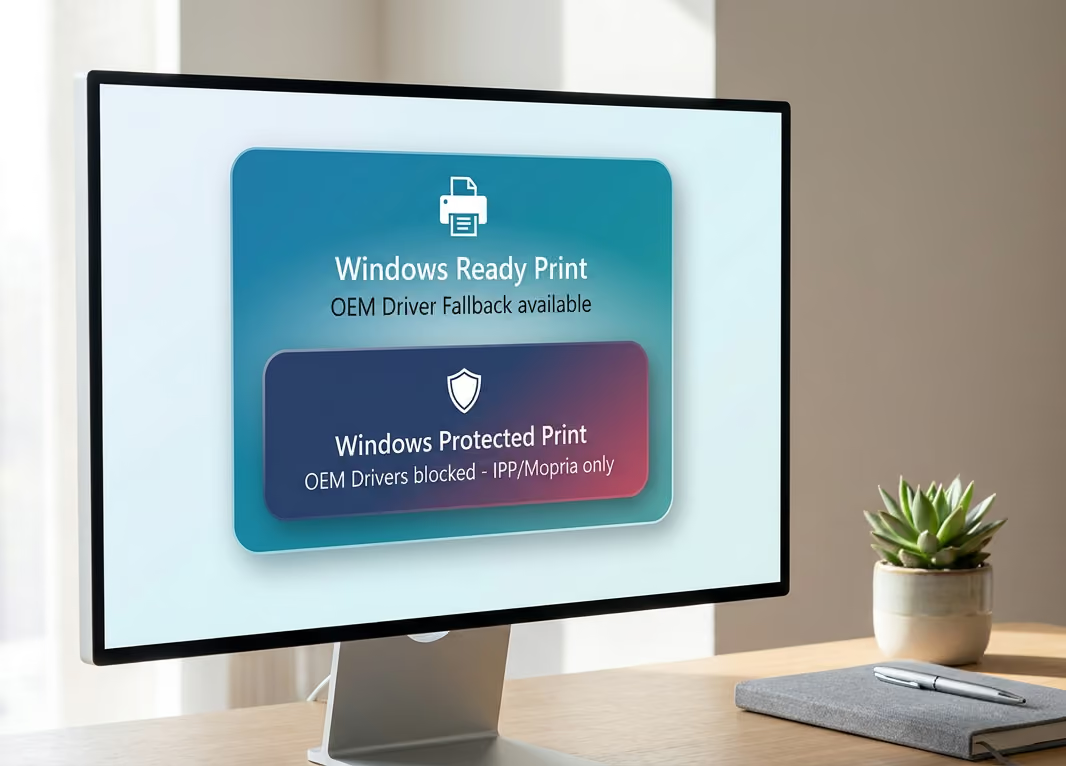
The key difference from Windows Ready Print is that once Windows Protected Print Mode is enabled, there is no fallback. Manufacturer-specific drivers are fully blocked, unsupported printers are removed from the system, and only Mopria-certified printers are supported. This significantly increases security – but requires that the entire print infrastructure meets these requirements.
Windows Protected Print is available today but must be explicitly enabled. From July 2027, the mode is expected to be active by default.
In summary:
- A security mode that builds on Windows Ready Print
- No fallback to manufacturer-specific drivers
- Only Mopria-certified printers are supported
- Optional today, expected to be active by default from July 2027
Windows Ready Print vs. Windows Protected Print: Same Stack, Different Levels of Enforcement
Both concepts use the same modern print stack – the difference lies in how strictly they are enforced. Windows Ready Print favors the IPP-based path but keeps OEM drivers as a fallback option. Windows Protected Print Mode goes further: it restricts printing exclusively to the IPP path and blocks third-party drivers entirely – printers without IPP support will no longer function in this mode.
What Microsoft's New Print Modes Mean for ThinPrint Customers
ThinPrint, our on-premises print solution, is compatible with Windows Ready Print. Since the OEM fallback is still in place, ThinPrint will continue to run reliably in existing environments – with no changes needed on your end. In relation to Windows Protected Print: ThinPrint will support the mode once it becomes mandatory. Organizations that want to adopt Windows Protected Print today are already well positioned with ezeep, our cloud-based print solution. ezeep fully supports the mode – made possible by its driverless architecture, which was already part of ezeep before Microsoft introduced these changes.
Conclusion
Windows Ready Print and Windows Protected Print share the same goal – modern, secure printing in Windows – but differ significantly in their strictness. For ThinPrint customers, the bottom line is this: your current environment will continue to run smoothly with Windows Ready Print. Support for Windows Protected Print will be available when it becomes mandatory. Companies that already want to use Protected Print Mode can do so with ezeep today.
If you have questions about your specific environment, we are happy to help.
More posts